High-Resolution Instagram Photo Downloader
Download high-resolution Instagram pictures and single JPGs instantly without quality loss or compression artifacts.
Download Instagram Pictures in Original Quality
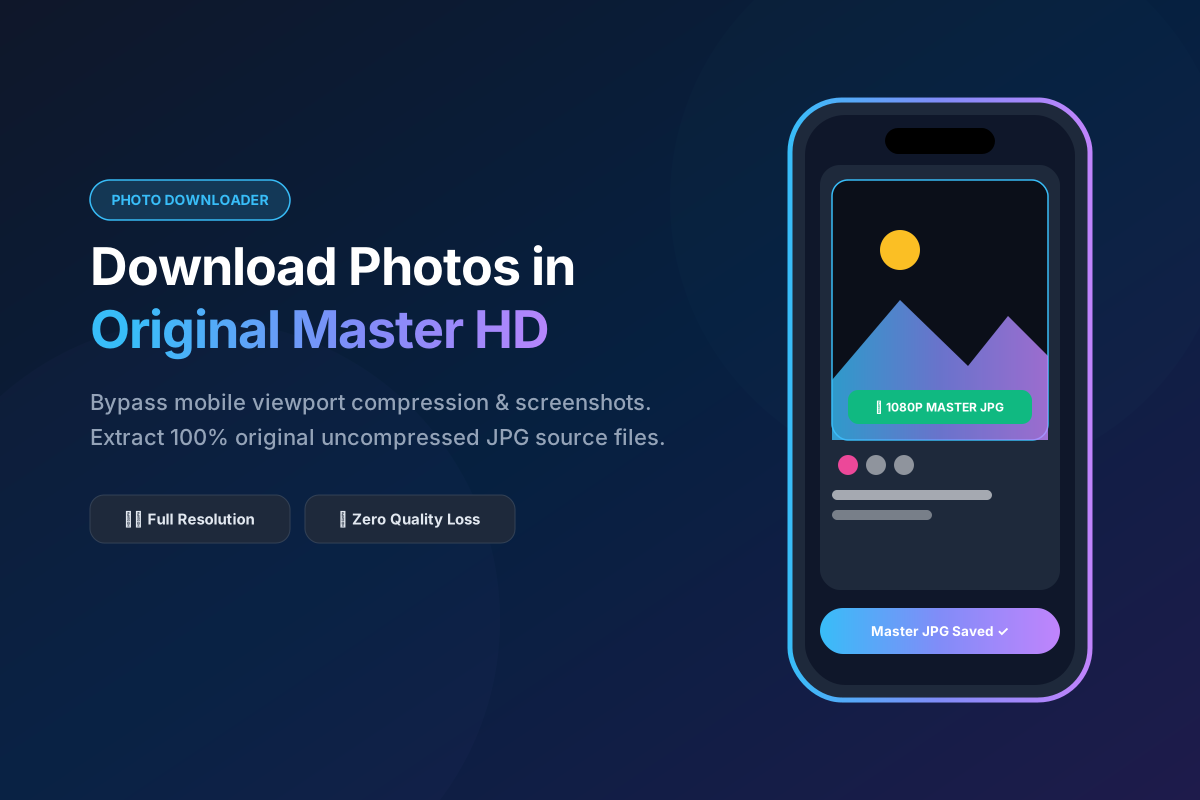
Instagram is home to billions of stunning photographs, digital artworks, and memorable snapshots. However, the native app does not offer a direct button to save high-resolution pictures locally. SpidVid bridges this gap by letting you download full-scale JPG images from any public Instagram post. We bypass browser compression and thumbnail previews to deliver the exact image file that was uploaded to the platform.
How to Save Single Instagram Photos Instantly
Copy the Post Link
Navigate to the photo post on Instagram, click the three-dot menu (...) or the share button, and select Copy Link.
Paste into the Tool Bar
Paste the image link into our photo downloader input field right above and press Download.
Save Your High-Res JPG
Click the generated download link to save the full-resolution photo directly to your computer, tablet, or smartphone gallery.
Why Saving Photos via SpidVid Preserves Resolution
Taking a screenshot of an Instagram photo on your phone or desktop captures your screen's current display resolution, along with interface borders, compression blur, and color shift. When you use SpidVid, our backend retrieves the uncompressed source file directly from Instagram's image servers (typically 1080px to 1440px wide). This ensures that subtle details, sharpness, and color grading remain 100% true to the photographer's original upload.
Tips for Archiving Instagram Photography
Photo Downloader FAQ
Common questions about downloading Instagram pictures in high resolution.