Instagram Carousel Downloader for Multi-Post Slides
Download up to 20 photos and videos from multi-slide Instagram carousel posts individually or packaged as a ZIP archive.
Download Every Slide from Multi-Image Posts
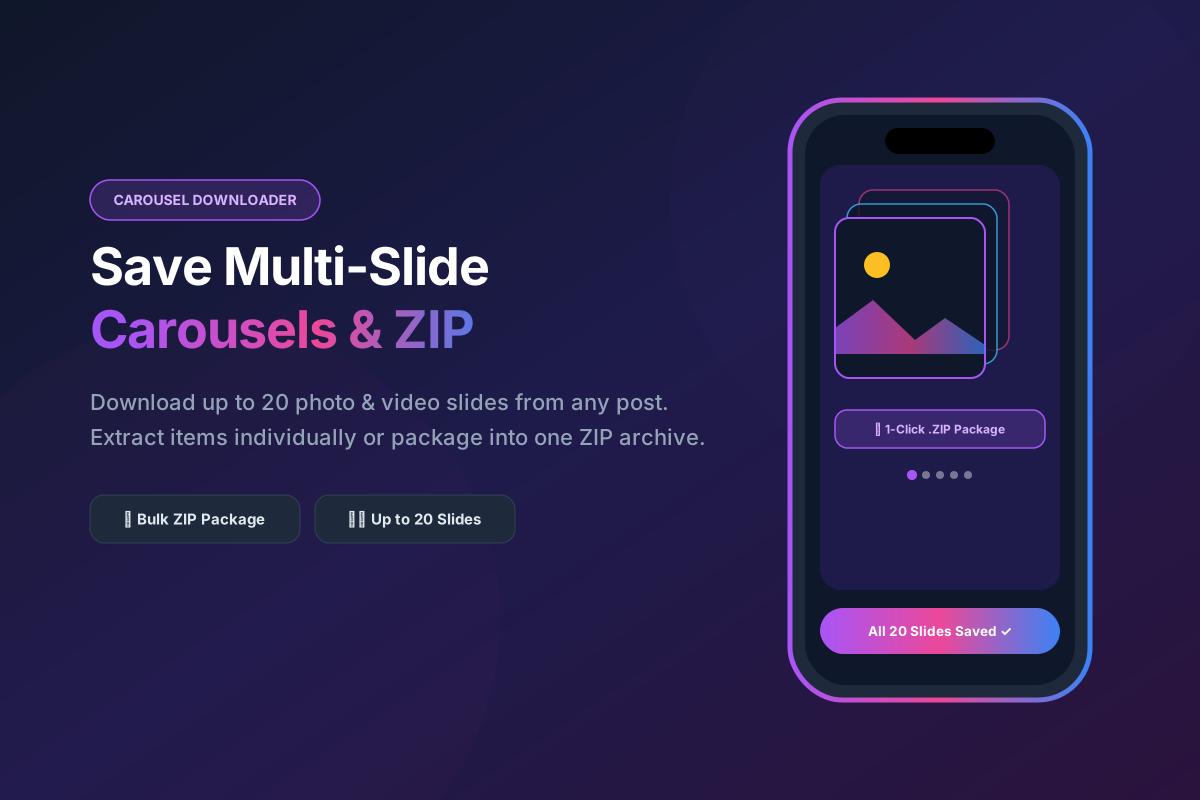
Instagram carousels allow creators to share up to 20 photos and videos within a single swipeable post. When standard download tools process a carousel URL, they typically only extract the first cover image and ignore the remaining slides. SpidVid's Carousel Downloader is built to scan the entire post structure, instantly detecting every slide so you can download the entire photo collection or select specific images with precise control.
How to Save Multi-Post Carousels in 3 Steps
Copy the Carousel URL
Tap the share icon (... or airplane button) on the multi-slide Instagram post you want to archive and select Copy Link.
Paste into SpidVid
Insert the post link into our carousel downloader field above and hit Download.
Choose Your Slides
Our system will display previews of every photo and video inside the carousel. Click individual download buttons for specific slides, or click Download All as ZIP to save the entire album in one neat archive.
Handling Mixed Photo and Video Carousels
Modern Instagram carousels rarely consist of just static pictures; they often blend high-res photography with short video clips. Our intelligent extraction engine identifies the media format of each slide independently. When you process a mixed carousel, SpidVid automatically outputs crisp JPG files for still images and clean, uncompressed MP4 files with synchronized audio for video slides, ensuring zero format confusion.
Why Download All Slides as a Packaged ZIP?
Saving 10 or 20 slides individually requires clicking multiple buttons and organizing dozens of loose files inside your download folder. SpidVid offers a convenient Download All as ZIP feature that bundles every high-resolution slide from a post into a single, structured compressed folder. This saves time, preserves chronological slide numbering, and keeps your local media library perfectly organized.
Carousel Downloader FAQ
Frequently asked questions about downloading multi-photo posts.