How to Save Private Instagram Stories Legally, Ethically & Safely
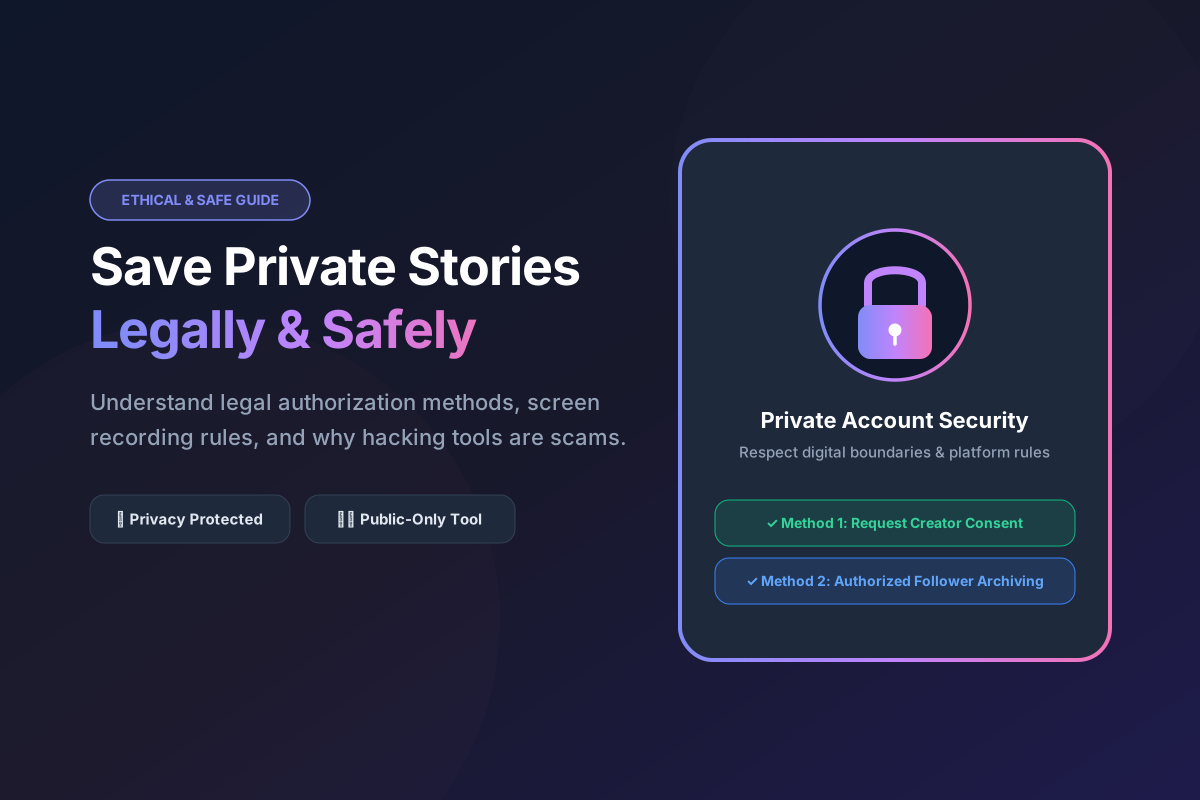
The Reality: Why You Cannot and Should Not Hack Private Stories
When an Instagram user toggles their account settings from public to Private, they establish a clear digital barrier: their photographs, Reels, and 24-hour Stories are restricted exclusively to followers they have explicitly approved. Despite what thousands of deceptive advertisements across the internet claim, there is no legitimate web tool, software application, or secret link generator that can bypass private account restrictions to download locked stories.
If you search Google for "how to download private Instagram stories," you will encounter dozens of websites claiming they can unlock private profiles if you simply enter a username. Almost without exception, these websites operate as dangerous phishing traps designed to steal your personal Instagram credentials (`credential harvesting`) or trap you in endless survey and adware loops.
Legitimate Methods for Archiving Stories You Have Rights To View
If you follow a private account and have legitimate, authorized reasons to archive a specific 24-hour story—such as saving a family member's wedding announcement or backing up a collaborative project update—there are three clean, ethical methods available:
Method 1: Requesting Direct Access & Creator Consent
The cleanest, most professional approach to acquiring a private story is simply requesting the source file directly from the creator via direct message or email. Creators often happily share original media when approached with transparency and respect.
Method 2: High-Quality Screen Recording for Authorized Viewers
If the creator has granted you verbal or written permission to save their private story for offline reference, you can utilize your device's native screen capturing functions (iOS Control Center Screen Recording or Android Quick Settings Screen Record) while actively viewing the post inside your approved follower account.
Method 3: Built-In Instagram Archive Features for Your Own Stories
If you operate a private account, enable automatic cloud archiving under Settings and activity > Archiving and downloading > Save story to archive, and toggle on Save story to Camera Roll to automatically download every story you publish right to your local storage in full HD.
How SpidVid Protects User Privacy with Public-Only Enforcement
To uphold the highest standards of digital trust and legal compliance, SpidVid's architecture incorporates strict public-only enforcement protocols. When a user submits a URL to our Story Downloader, our backend servers perform an immediate public accessibility check. If the target account is marked as Private, our system immediately rejects the request. We never request user login credentials, we never store tracking cookies tied to social media accounts, and we never deploy web scrapers against locked personal profiles.
Ready to Try SpidVid?
Test our high-speed, unwatermarked Instagram downloader right now.